Aller au contenu
OrbitexPDF
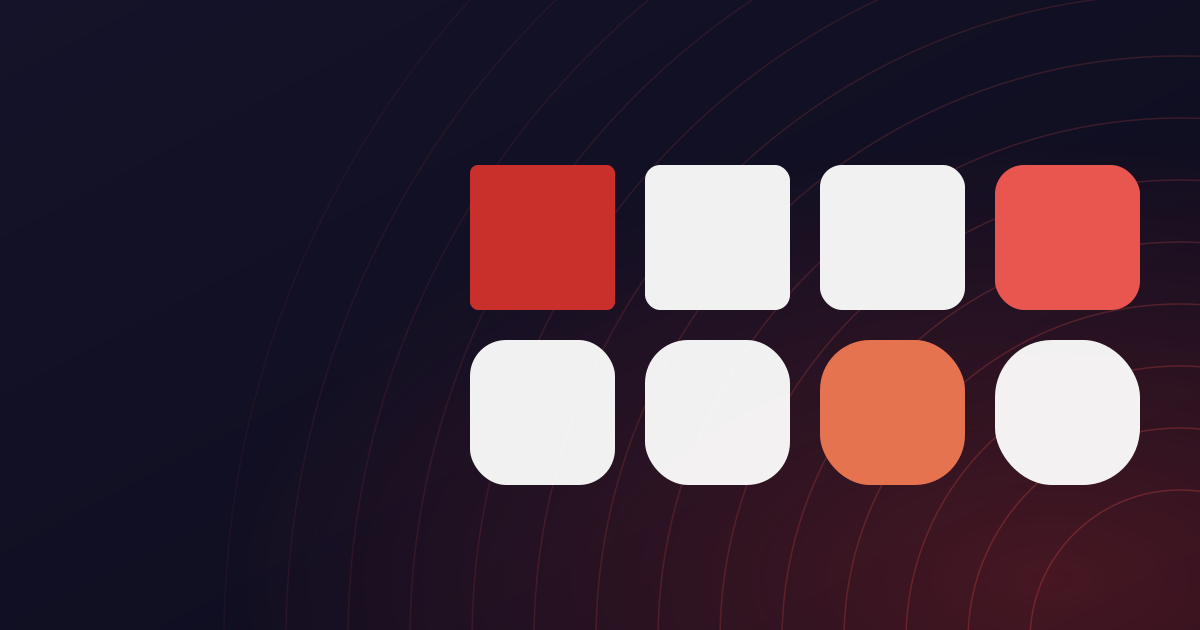
A grid of coloured tiles with varying corner radii, representing a design system's scales
Dans les coulisses d'OrbitexPDF

Inside the design system

Inside Orbital Precision: our design system

Why indigo, coral, and blue accents help you scan dozens of tools without feeling overwhelmed.

A page offering a dozen tools has a scanning problem. Everything is a rectangle with an icon and a label, and if they all look equally important, none of them do.

Colour carries the file type

One accent colour, used for one kind of file. There is no second category to tell apart any more, so the colour's job is to mark what is interactive rather than to sort a grid - and a page of cards reads as one set instead of two.

Indigo is reserved for actions. If something is indigo, it is a button or a link. Teal appears only in the logo and the orbit rings, so the brand mark never competes with a call to action.

Contrast is a rule, not a preference

Every colour pairing is checked against WCAG AA on the surface it actually sits on. Our muted grey is the lightest text permitted anywhere in the product, and it is set by its contrast on a shaded panel rather than on white - the harder of the two cases.

This is enforced rather than encouraged: a component that hardcodes a colour instead of using a token fails the build.

The calm is deliberate

There are no adverts, no interstitials, and no countdown before a download. A file tool is something you visit with a task and leave when it is done, and the design is built for leaving quickly.
Cet article vous a été utile ? Partagez-le.

Commentaires

Les commentaires sont ouverts à toute personne ayant un compte. C'est gratuit, et c'est la seule chose qui garde cette section libre de spam.

Connectez-vous pour commenter

Personne n'a encore rien dit. Si ce guide a oublié quelque chose, nous préférons l'apprendre ici que pas du tout.

Guides associés

Tous les articles
An orbit diagram with PDF pages either side, representing one product for every PDF task
Dans les coulisses d'OrbitexPDF

Why we built this

Why we built OrbitexPDF

Most file utilities feel like a maze. We set out to put every PDF workflow in one calm, trustworthy product.

2 min readLire le guide
An orbit diagram with PDF pages either side, representing the free and paid tiers
Dans les coulisses d'OrbitexPDF

Free, and what Pro adds

What is free, and what Pro adds

Every tool is still free, with no account and no watermark. Pro is now on sale for people who need bigger files and no daily limits. Here is exactly where the line is, and why.

3 min readLire le guide
A PDF page with a text cursor in it beside a panel of font, colour and style controls
Modifier PDF

How to edit a PDF

How to Edit a PDF Online: Change Text, Add Notes and Sign

Fixing a date, signing a form, highlighting a clause - none of it should require converting the document into something else. Here is how the editor changes text in place, what it can and cannot do, and why the file never leaves your computer.

9 min readLire le guide