
9 min read
가이드 읽기PDF 가이드 와 사용법
Edit any PDF onlinewithout uploading it
Change text in its own font, sign a page and type on a form, right in your browser - no detour through Word, and your file never leaves your computer.
병합, 분할, 정리 가이드
문서를 합치고, 페이지를 빼내고, 알맞은 순서로 놓는 방법.
병합, 분할, 정리
Delete pages from PDF
How to Delete Pages from a PDF (and Get the Page Count Right)
The blank backs of a duplex scan, an internal cover sheet, a section that should not leave the building. All three are the same job. Here is how to say which pages go, in one pass, and how to check you got it right.
10 min read가이드 읽기
병합, 분할, 정리
How to insert PDF pages
How to Insert Pages into a PDF, or Add One PDF to Another
A signed page has to go back in at page seven, an appendix has to go on the end, a cover sheet has to go in front. All three are one job: a split and a merge. Here is the method and the arithmetic that proves it worked.
10 min read가이드 읽기
병합, 분할, 정리
Remove blank pages
How to Remove Blank Pages from a Scanned PDF
A double-sided scan of one-sided paper gives you a blank page after every real one, and a file twice the size it should be. Here is how to find them in a minute and take them all out in one pass.
10 min read가이드 읽기

병합, 분할, 정리
Reorder, rotate and delete pages
How to Reorder, Rotate and Delete PDF Pages Online
A scan came in upside down, the appendix is in the wrong place, and two pages should not be there at all. One pass through Organize PDF fixes all three. Here is how it works.
9 min read가이드 읽기
병합, 분할, 정리
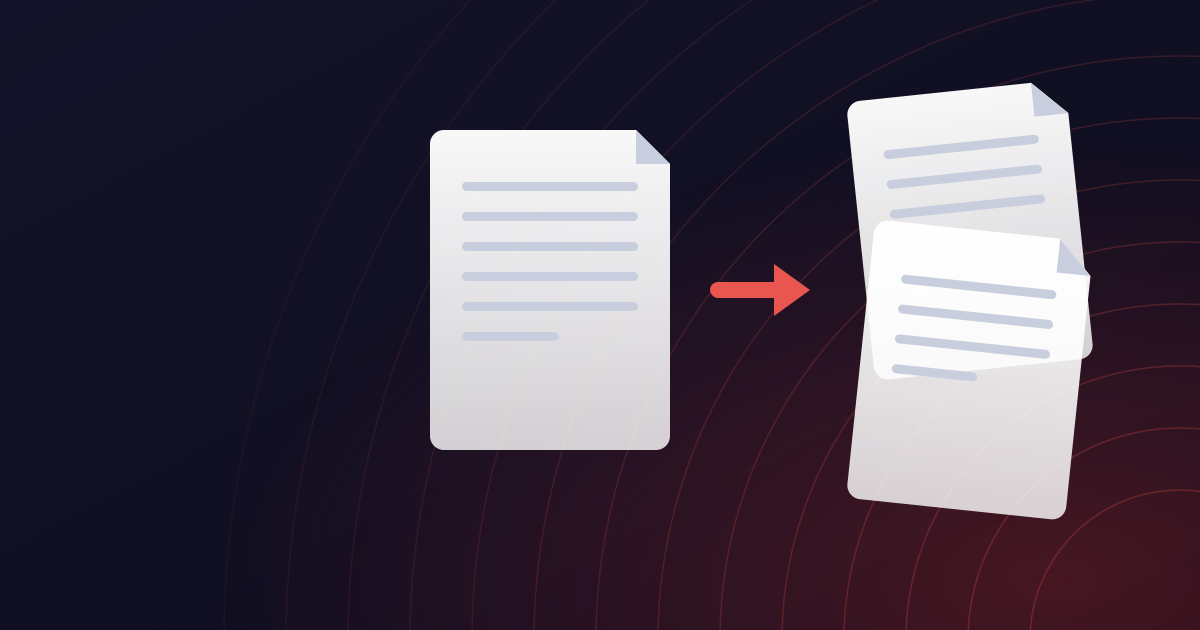
How to split a PDF
How to Split a PDF: Extract Pages or Break a Document into Parts
You need pages 4 to 9 of a 60-page report, or one file per page from a scanned batch. Both are a split. Here is how page ranges work, which tool to use when, and how to avoid the mistakes that leave you re-doing it.
9 min read가이드 읽기
병합, 분할, 정리
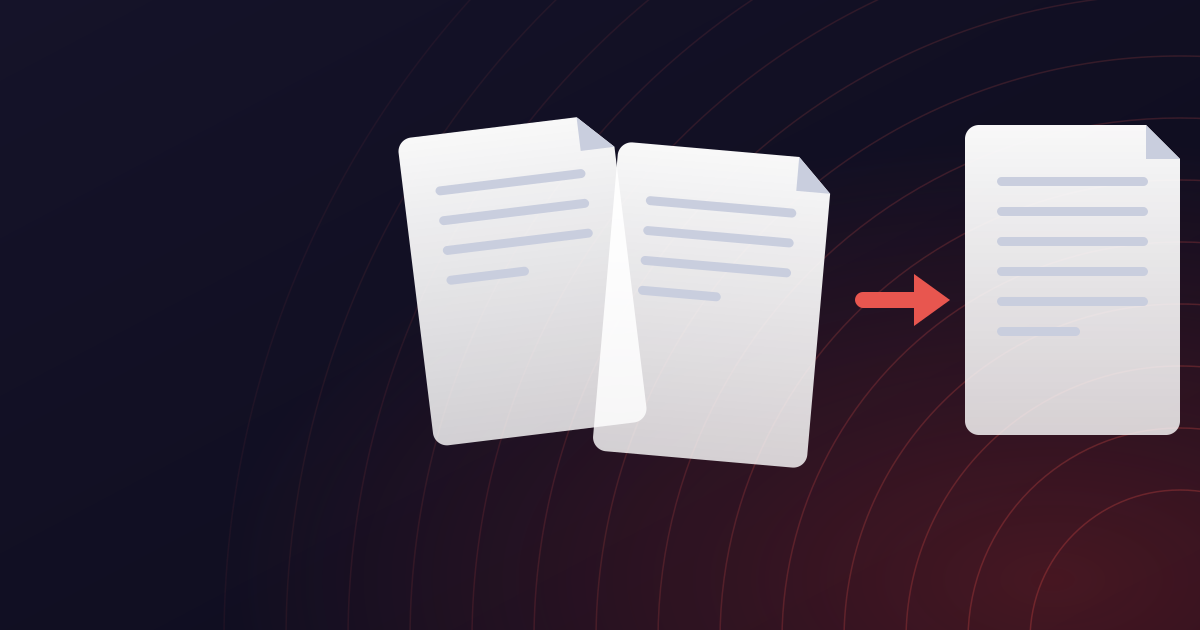
How to merge PDF files
How to Merge PDF Files into One Document (Free, No Sign-Up)
Combining a contract, its appendix and a signed cover page into one PDF should take a minute. Here is how to do it, how to control the order, and the handful of things that go wrong.
9 min read가이드 읽기
도구마다 하나씩, 가이드
각 도구가 무엇을 하는지, 언제 쓰는지, 그리고 업로드하기 전에 알아둘 만한 설정입니다.
- PDF 병합How to Insert Pages into a PDF, or Add One PDF to Another
- PDF 압축How to Compress a PDF to 100 KB (or Any Size a Form Demands)
- PDF를 Word로How to Open and Edit a PDF in Google Docs
- PDF를 Excel로How to Convert PDF to Excel Without Retyping the Table
- Word를 PDF로How to Convert Several Files to PDF at Once
- PowerPoint를 PDF로How to Convert PowerPoint to PDF for Sharing and Printing
- Excel을 PDF로How to Convert Excel to PDF Without Cutting Off Columns
- PDF 편집How to Edit a PDF Online: Change Text, Add Notes and Sign
- PDF 페이지 정리How to Delete Pages from a PDF (and Get the Page Count Right)
- PDF 분할How to Split a PDF: Extract Pages or Break a Document into Parts
- PDF 보호How to Password Protect a PDF (and What the Password Actually Protects)